
Search everything with ⌘K
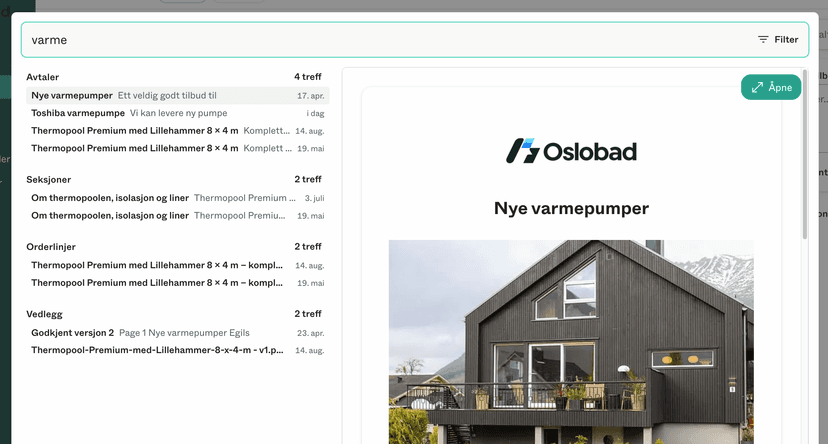
Press ⌘K (Ctrl+K on Windows) anywhere in Dealight to search across everything at once — customers, projects, deals and messages. Just start typing and jump straight to what you are looking for.
Stay updated with new features and improvements in Dealight.
Press ⌘K (Ctrl+K on Windows) anywhere in Dealight to search across everything at once — customers, projects, deals and messages. Just start typing and jump straight to what you are looking for.
Enable the Stripe integration to request a down payment for large deals, or full payment for changes and smaller items.
When adding a business customer in Sweden, you can now search by company name and have the organisation number and address filled in for you — the same way it already works in Norway.
You can now see everything happening across all your projects in one place. The calendar shows booked meetings alongside milestones — sent proposals, acceptances, expiry dates and invoice due dates — in month, week or agenda view.
You can now propose a meeting directly in a conversation with a customer. Send one fixed time, or several options and let the customer pick. They get a reminder, and you see who has confirmed.
The customer page has been rebuilt. You now get an overview, all communication from every contact person, and the customer's invoices in one place — for both businesses and private customers.
A new page on the dashboard shows how the company is doing — who sells the most, and how the numbers develop over time.
You can now add recurring costs to a proposal, like subscriptions or service agreements. They are summed separately for the customer, can be marked optional, and can be in a different currency.
You can now see when a customer has opened a proposal. If it hasn't been opened after two days, we send them a friendly reminder automatically.
You can now define variables — an area, a number of hours, an hourly rate — and use them in your line items. Change the number in one place and every line using it updates.
You can now connect Dealight to Instagram. This allows you to manage conversations, and quickly create proposals to follow-up from one place, without having to input any information again. Available by going to Settings -> Integrations.
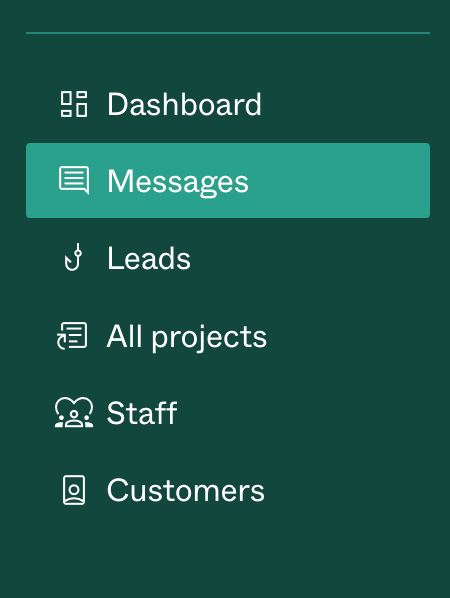
You can now browse messages across all projects in one place.
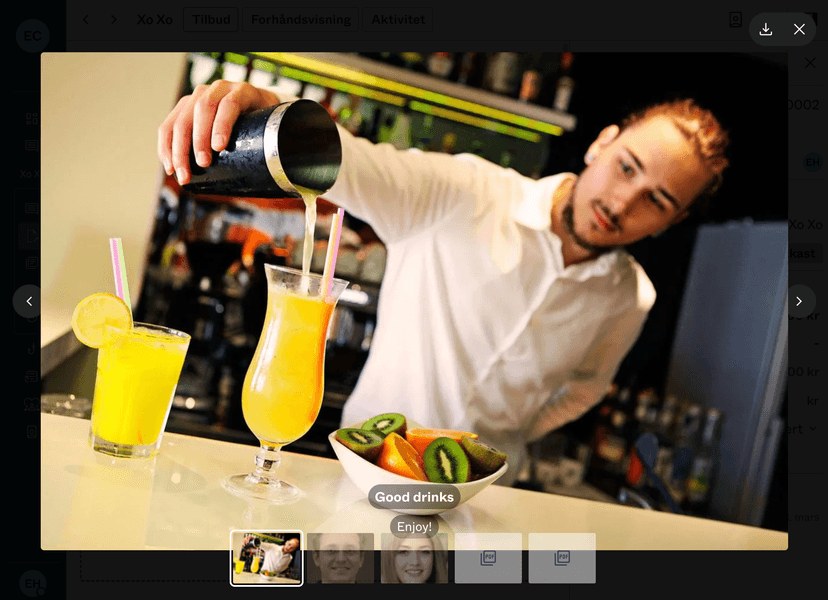
Images are now viewed in a Gallery view when clicked. Which makes browsing lots of images much faster
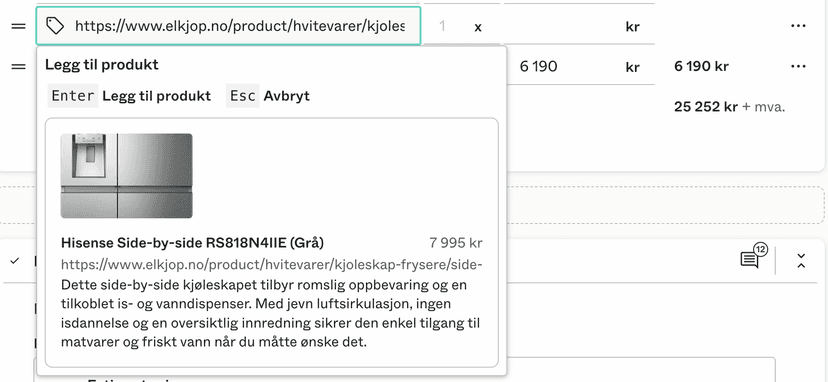
The product import function is now improved, if you paste a link on any order line, you can now press Enter to import it. This will allow you to import the price, description and product images.
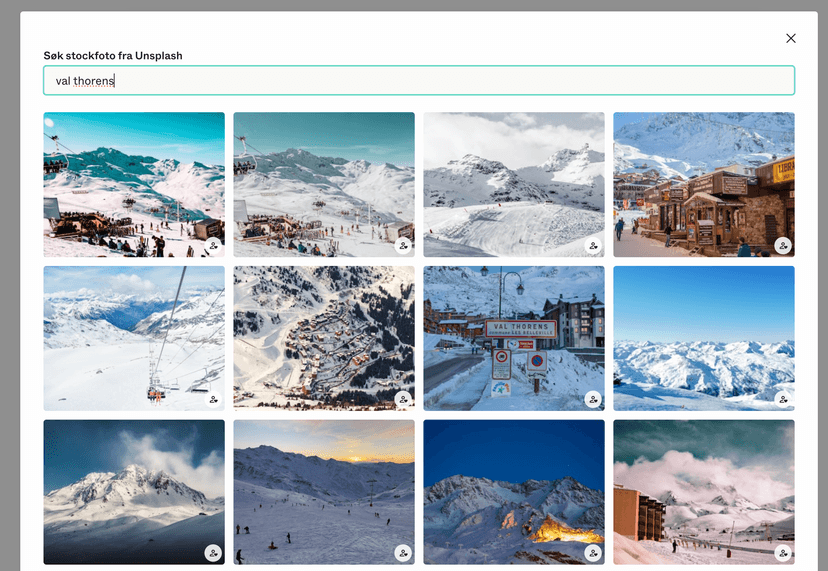
You can now add Stock photos directly from Unsplash when editing a proposal. This saves time and makes your offer look great!
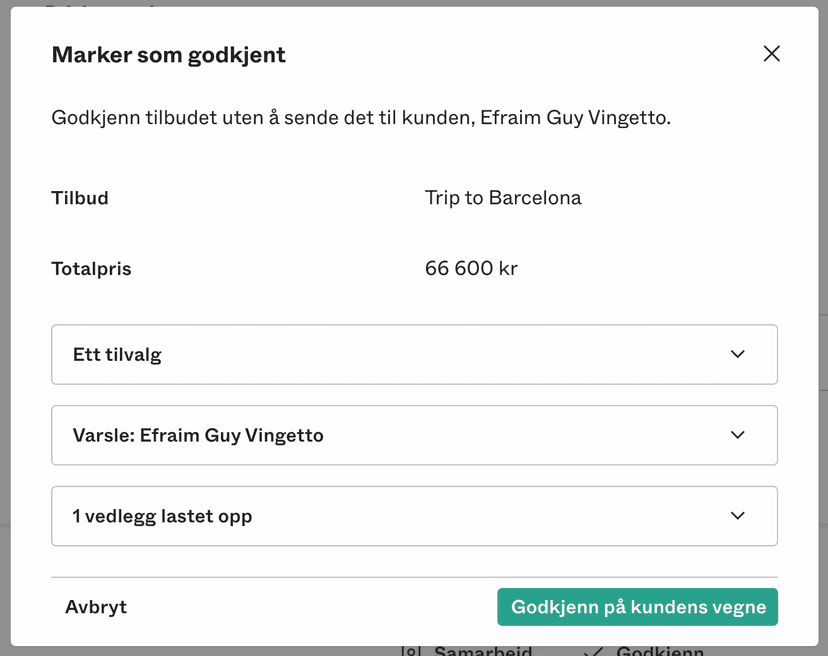
You can now mark any proposal as accepted, without involving the customer (if they are unable to login, for example). It is possible to attach a proof in the formed of a signed document or screenshot.
You can now invite subcontractors or colleagues to collaborate on your proposals. They get limited access
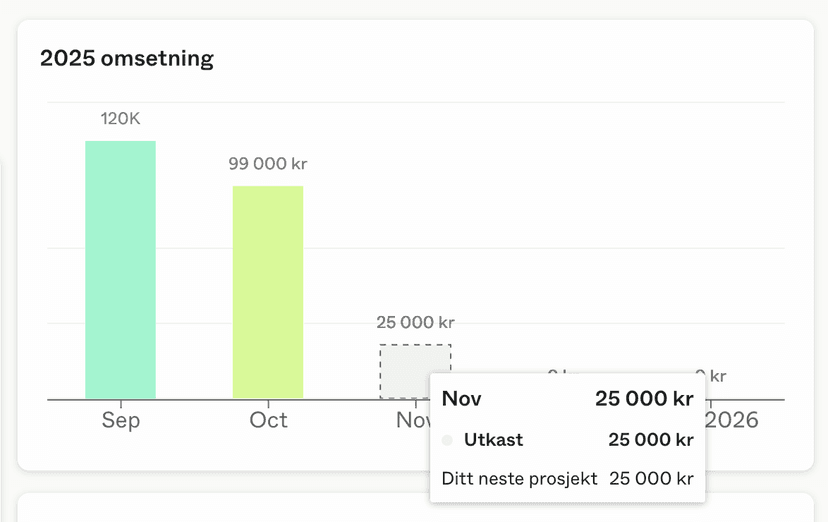
You can now see revenue visually in the revenue chart. This can also be filtered on primary contact for each individual deal.
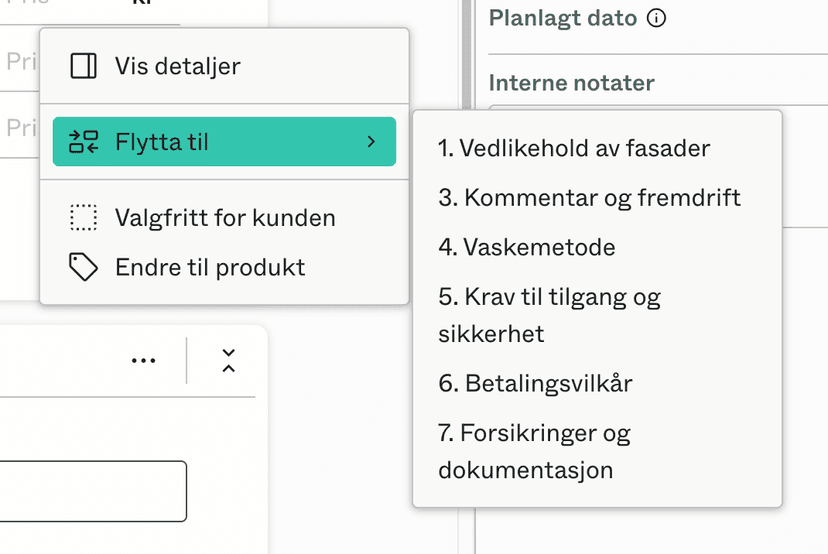
You can now directly move a task to an adjacent section, through the menu on the task.
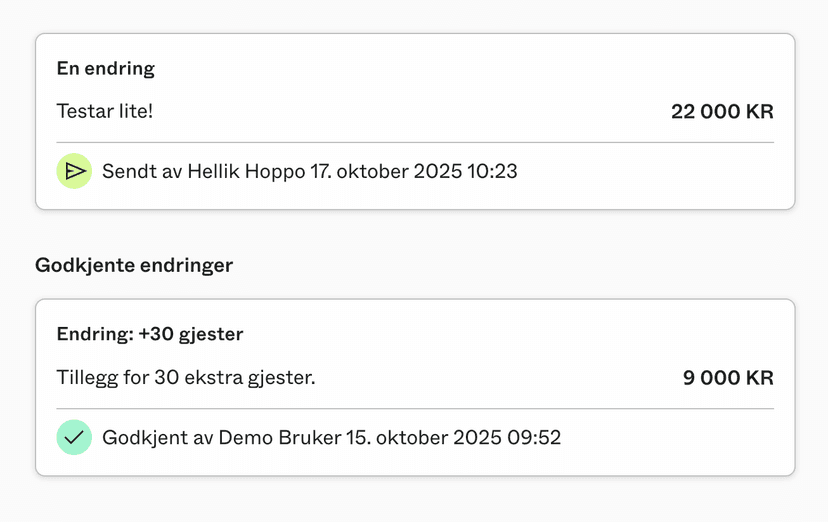
The overview of changes is now clearer, showing the status and time of actions.
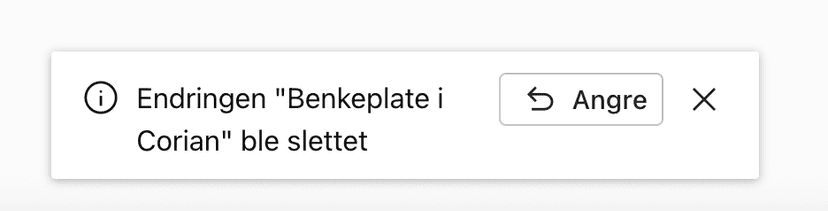
You can now undo deleting tasks and changes. Just click the notice in the toast that appears after deletion.
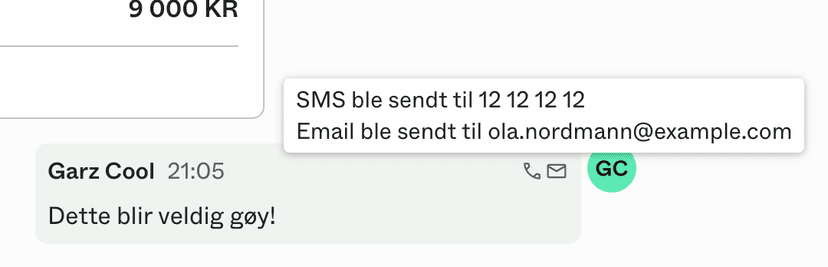
You can now see which notifications were sent directly from any message thread.
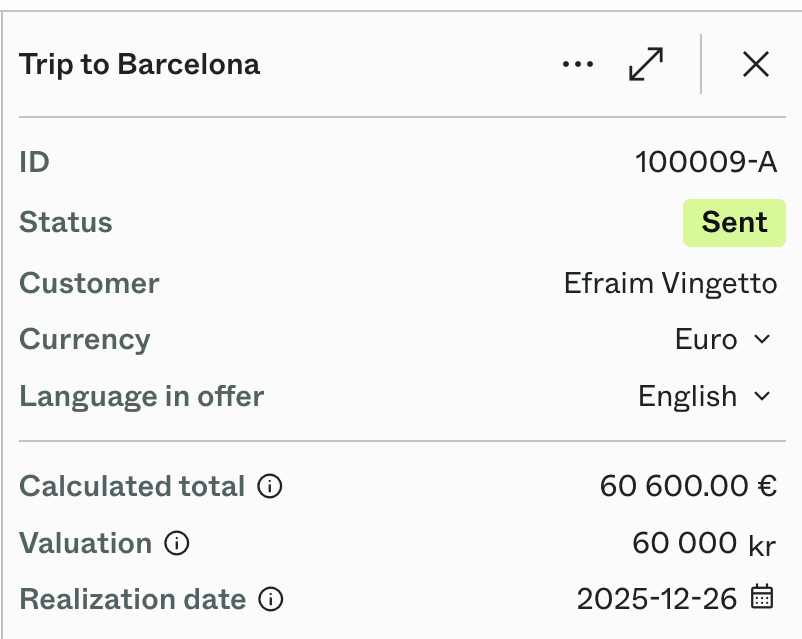
You can now add valuations to deals. This makes it easier to estimate your future revenue. If you do not set a valuation, it will be automatically calculated when you send the offer (and updated when it is accepted).