

Inquiry to invoice, all in one place
Use one platform where the client can give input, make selections, and receive invoices
Clear results
+13%
higher win rate on proposals
64%
faster response time from clients
8%
additional upselling per proposal
100%
better workday
Based on data from Dealight customers, October 2025
Receive inquiries
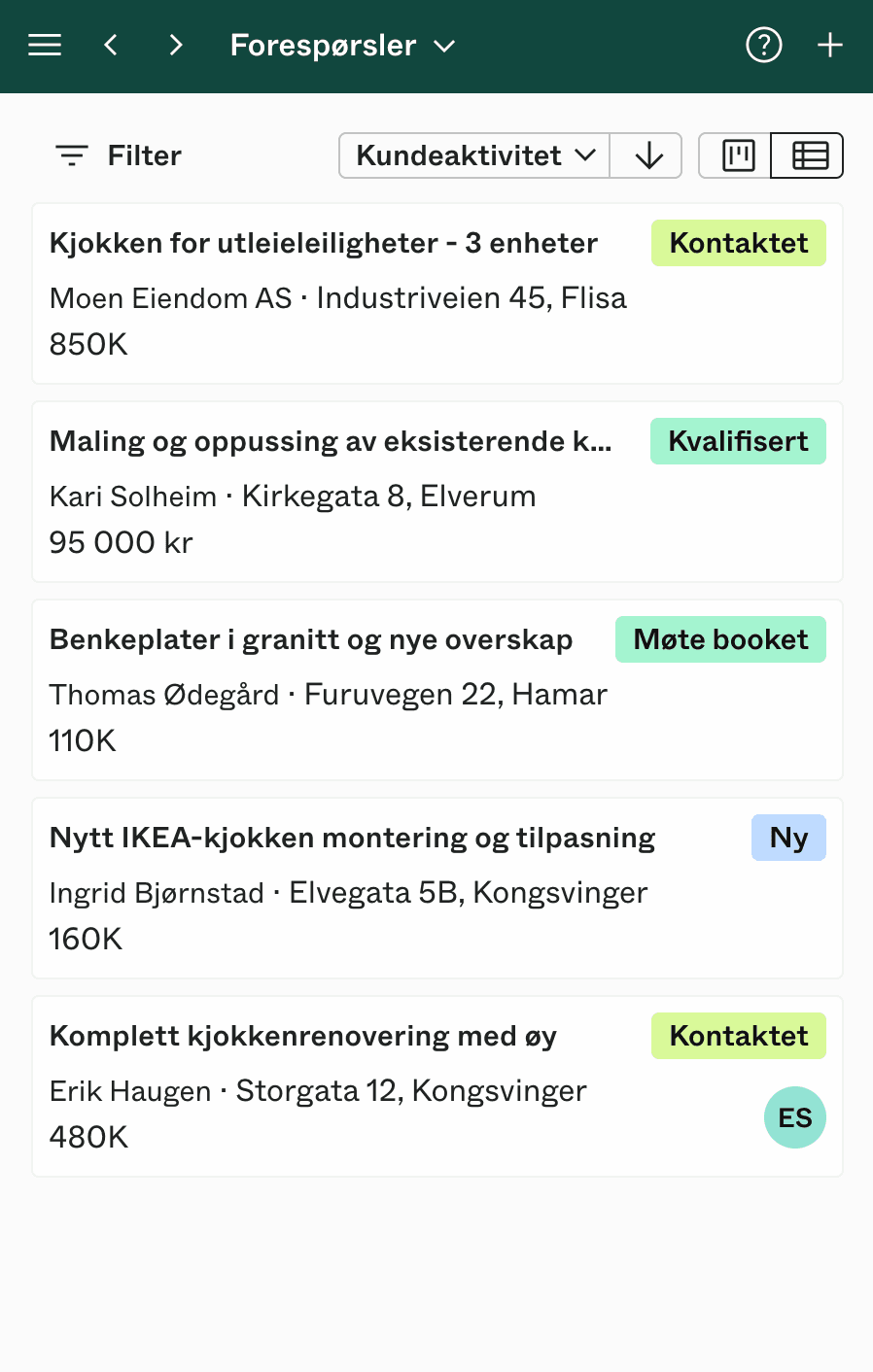
Inquiries from homeowners, architects, and property developers land directly in Dealight — with project details, inspiration images, and room specifications. Respond quickly and book consultations from the same place.
- From email
- From your website
- From Instagram or social media
Receive inquiries
Inquiries from homeowners, architects, and property developers land directly in Dealight — with project details, inspiration images, and room specifications. Respond quickly and book consultations from the same place.
- From email
- From your website
- From Instagram or social media
Dialogue along the way
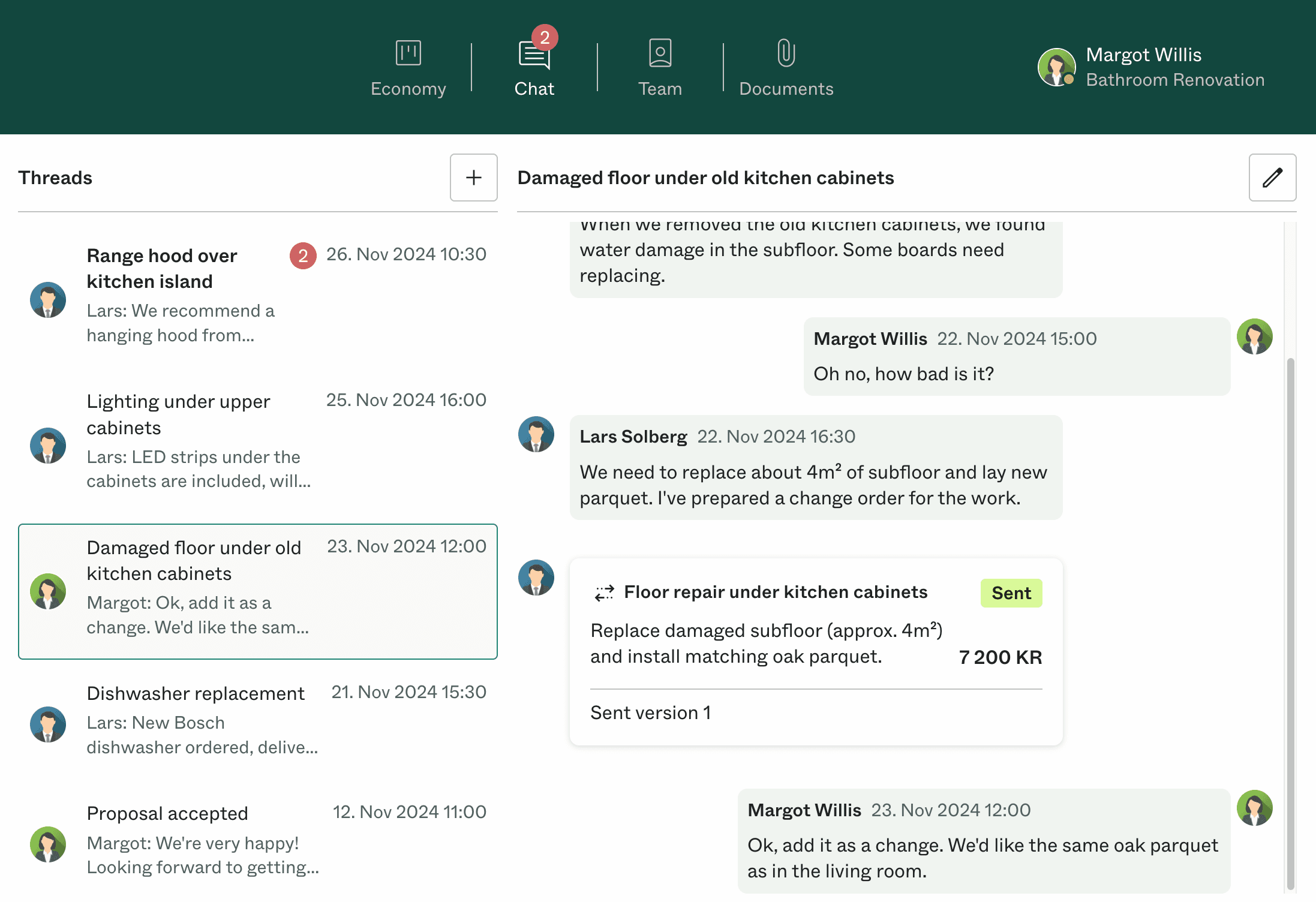
Communicate with the client directly in Dealight, even before you send a proposal.
- Share photos
- Schedule site visits
- Get notifications by email, SMS, or in the app
Dialogue along the way
Communicate with the client directly in Dealight, even before you send a proposal.
- Share photos
- Schedule site visits
- Get notifications by email, SMS, or in the app
Create the proposal
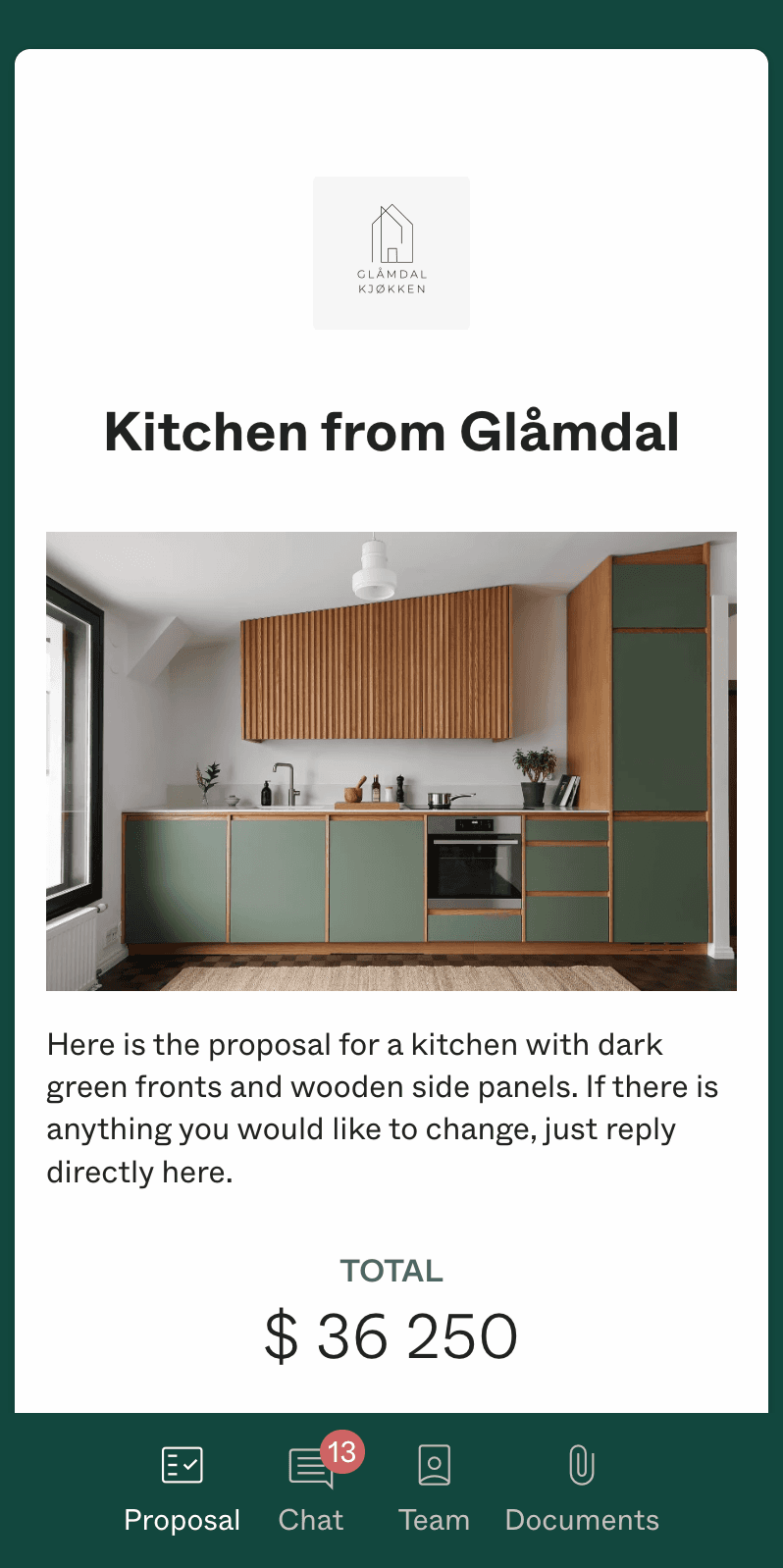
Put together your proposal with reusable templates for materials, furnishings, and labor. Add optional selections the client can choose from, and present it professionally — on mobile and desktop.
- Reusable templates for materials and furnishings
- Optional selections for finishes and upgrades
- Automatic margin calculation
Create the proposal
Put together your proposal with reusable templates for materials, furnishings, and labor. Add optional selections the client can choose from, and present it professionally — on mobile and desktop.
- Reusable templates for materials and furnishings
- Optional selections for finishes and upgrades
- Automatic margin calculation
The client receives the proposal
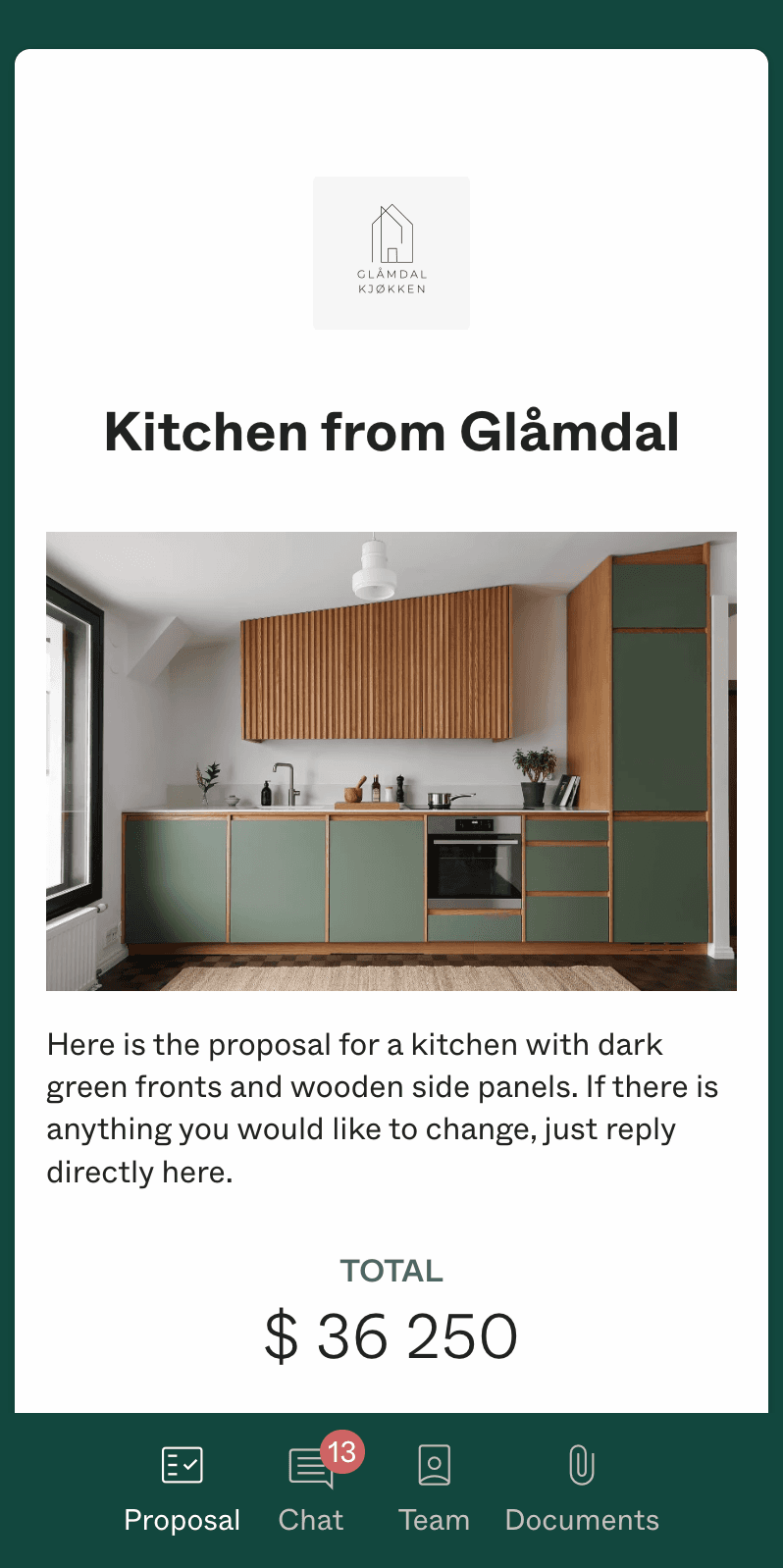
Your client gets a professional, mobile-friendly proposal they can browse on their phone. They can make optional selections, and with one click approve digitally.
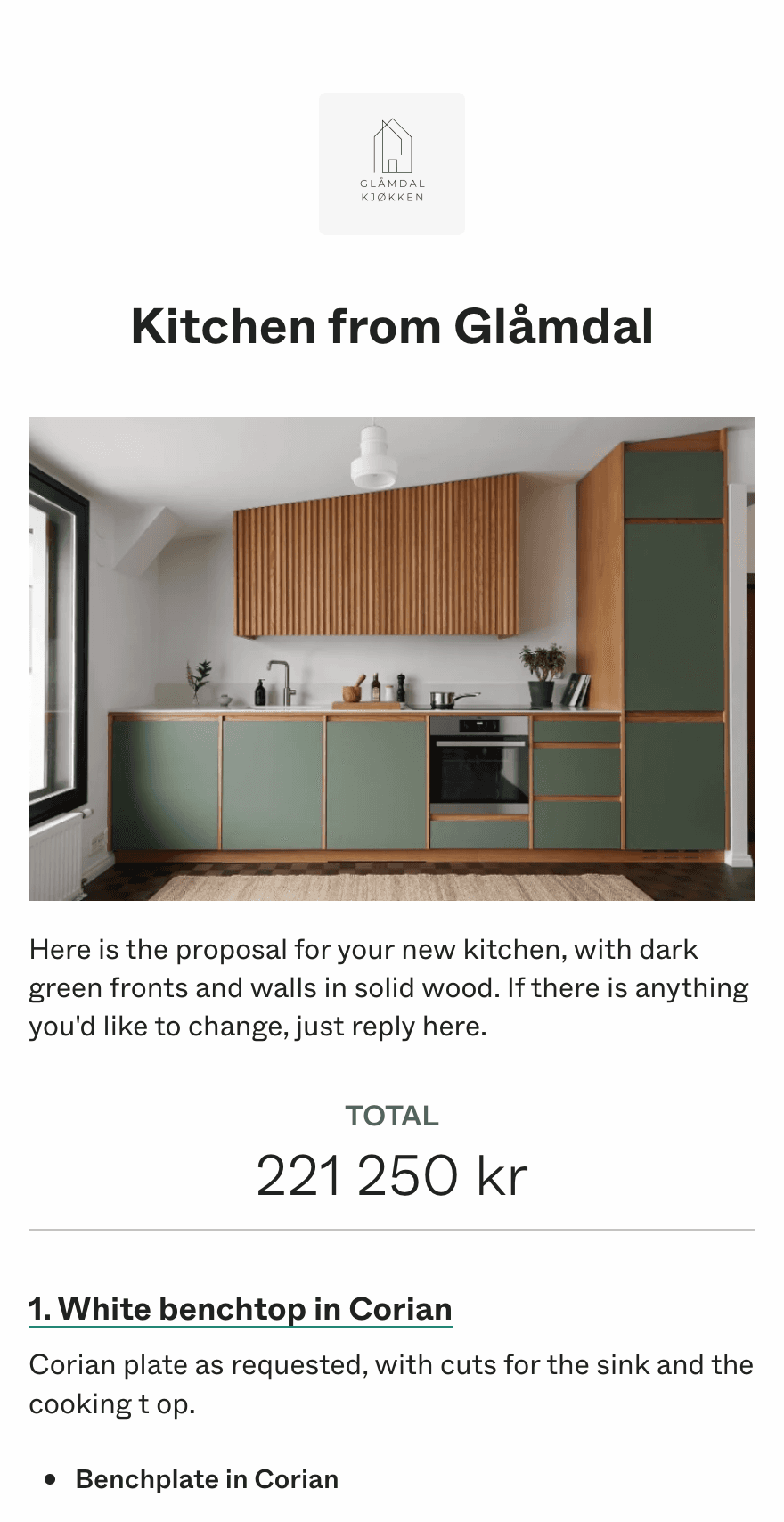
The client receives the proposal
Your client gets a professional, mobile-friendly proposal they can browse on their phone. They can make optional selections, and with one click approve digitally.
When changes come up
The project changes along the way? Create a change order in Dealight. The client sees what's changing, approves digitally, and everything is documented.
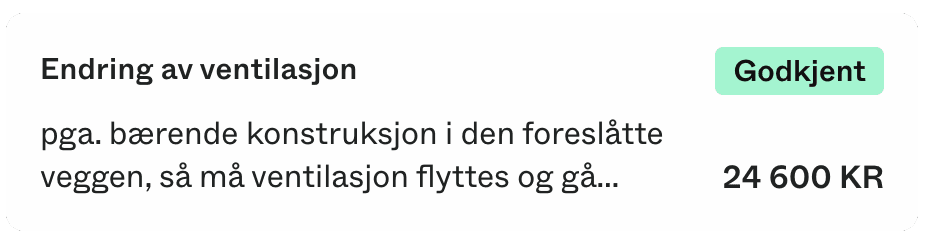
When changes come up
The project changes along the way? Create a change order in Dealight. The client sees what's changing, approves digitally, and everything is documented.
Invoicing
Mark items as ready for invoicing and send through Stripe, or send through your accounting system — we automatically sync invoices and link them to the project.
- Stripe integration
- Automatic sync with your accounting system
- Per-project financial overview for you and the client
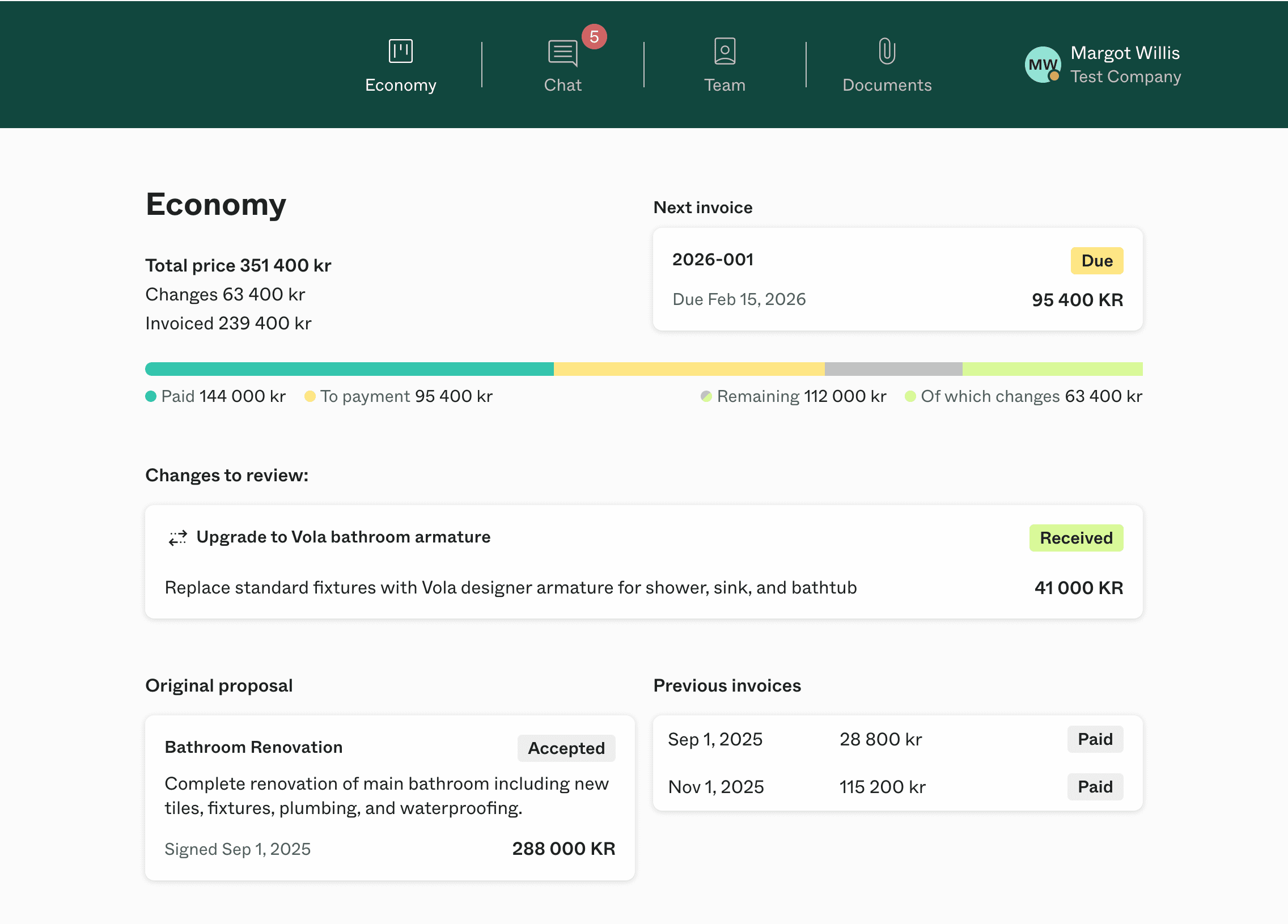
Invoicing
Mark items as ready for invoicing and send through Stripe, or send through your accounting system — we automatically sync invoices and link them to the project.
- Stripe integration
- Automatic sync with your accounting system
- Per-project financial overview for you and the client



Brand building in every proposal
Your proposals become an extension of your brand. Professional presentation that reflects the quality of your work.
Notification when the client opens the proposal
Follow up at the right time, when the client is considering the next step.
Smart optional extras
Let the client make optional selections themselves. This increases the value of each sale by 8% on average.
Contract
For larger projects, you can send the contract after an approved proposal. Everything ends up in the same overview.
Mobile first
Your clients read proposals on mobile. Dealight looks fantastic on all devices, and has an app you can use for oversight.
Templates
Reuse templates for products, project parts, entire proposals, or contracts.

Win more clientswith proposals that impress
Try creating proposals for free, no commitments.
Mobile-friendly proposals
BankID signing
Track proposal views
Accounting integration
Manage change orders
Invoice overview